PeopleDrop 2.0 on iPhone

Share contacts.
Keep follow-ups moving.

PeopleDrop gives you polished contact cards, business card scanning, Apple Wallet sharing, and a built-in CRM workspace for notes, statuses, and next steps. Upload to HubSpot, Pipedrive, Zoho CRM, or Salesforce when you are ready.

Download on the App Store See how it works
QR + Wallet Sharing Business Card Scanning Notes + Follow-Ups HubSpot / Pipedrive / Zoho / Salesforce No PeopleDrop Account No Tracking
📒
Follow-Up Queue
Due today: 3
Log Call
Snooze
👤
Johnny Riddick
Share card + CRM ready
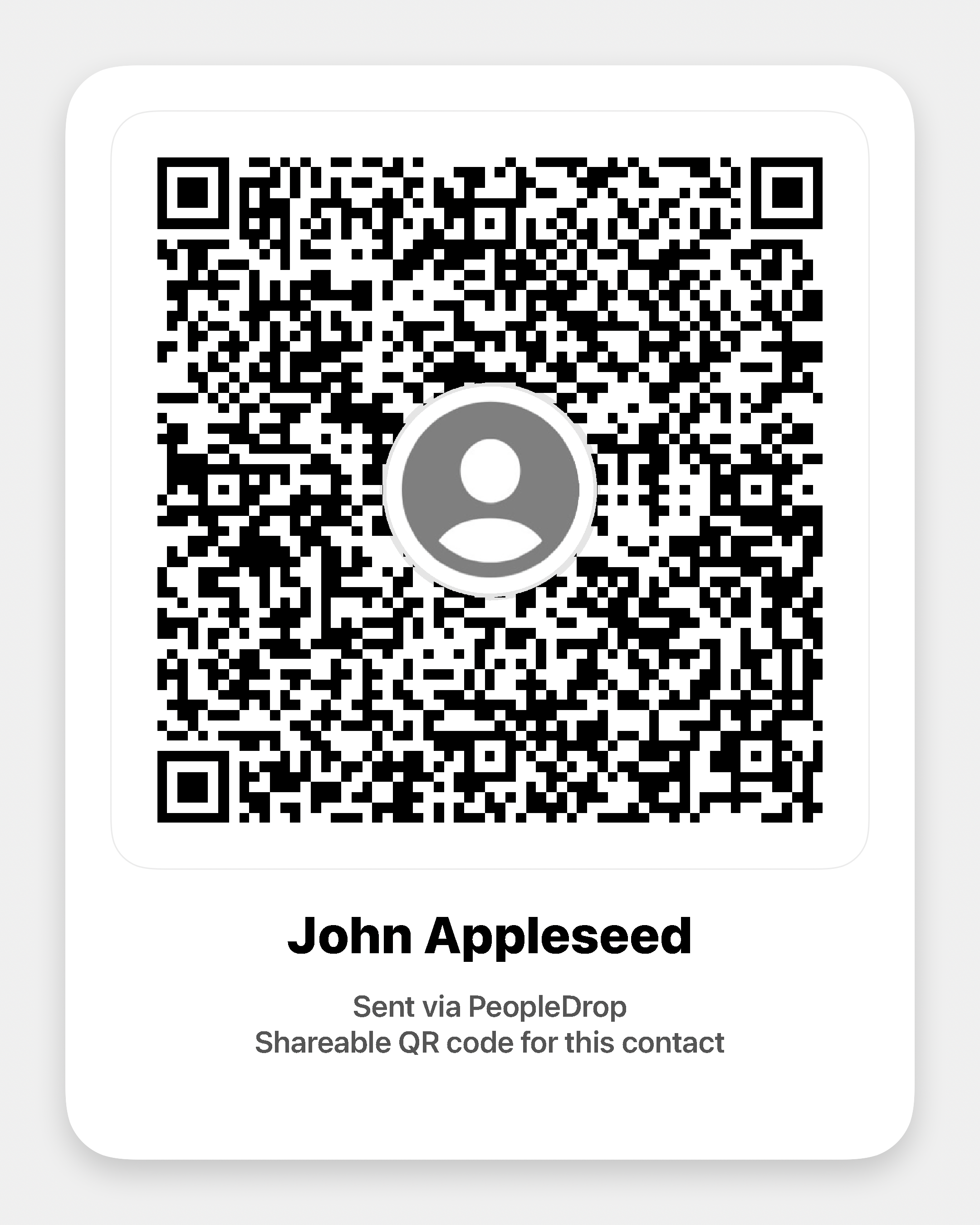
QR code preview
Share instantly, then keep the relationship moving.
QR
Wallet
Upload

Built for sharing in the moment
and following up after.

PeopleDrop 2.0 still makes contact sharing fast, but now it also helps you keep the relationship organized after the first scan.

📲

Polished Contact Sharing

Share through QR, Messages, the iPhone share sheet, or a Wallet-ready card so people can save your details fast.

👥

Multiple Profiles

Keep personal and business-ready profiles in one place so you can share the right card for the moment.

🪪

Scan Business Cards

Capture new contacts quickly, pull out the important fields, and turn a paper card into a follow-up-ready PeopleDrop contact.

📝

CRM Workspace

Add notes, tags, statuses, follow-ups, calls, and meetings so PeopleDrop feels useful after the introduction too.

🔗

Direct CRM Uploads

Upload your contacts and activity to HubSpot, Pipedrive, Zoho CRM, and Salesforce without leaving your phone.

📅

Due Today + Overdue

See what needs attention right now, log the call or meeting, and clear the current follow-up in a tap.

💳

Apple Wallet Designer

Create a Wallet-ready version of your card so your details stay ready to present and share anywhere.

🔒

Privacy-First

No tracking, no ads, and no PeopleDrop account required. Your profiles stay on your device unless you choose to share, sign a Wallet pass, or connect a CRM.

One app for the intro and the follow-up.

PeopleDrop stays simple: create, share, capture, and upload only when you want to.

1

Create your card

Build a polished profile with your contact details, company info, QR card, and optional Wallet design.

2

Share or capture the contact

Share your card by QR, Messages, or Wallet, or scan a business card and turn it into a PeopleDrop contact.

3

Keep the relationship moving

Add notes, tags, a status, and your next follow-up so the app keeps track of what needs attention.

4

Upload to the CRM you already use

Connect HubSpot, Pipedrive, Zoho CRM, or Salesforce and upload the contact when you are ready.

PeopleDrop CRM
PeopleDrop preview
📝
Notes
📞
Calls
☁️
Upload

Built to stay useful without turning into surveillance.

PeopleDrop does not track you across apps or websites, does not sell your data, and does not use your data for advertising or marketing. Optional server-backed features exist only when you ask for them.


Read our privacy policy →
👤
No PeopleDrop account required
🚫
No tracking or ads
📱
Profiles stay local by default
🔐
Wallet signing and CRM uploads are opt-in

Common questions

A quick overview of how PeopleDrop works in the real world.

Do I need an account to use PeopleDrop?

No PeopleDrop account is required. You can create profiles, share them, and use the app without signing up. If you connect a CRM, you sign in with your own CRM account.

Does the other person need PeopleDrop to receive my contact?

No. PeopleDrop is designed so the other person can save your contact with their camera, Messages, or a standard contact card flow without installing the app.

What does the CRM workspace do?

It gives you a simple mobile place to keep notes, statuses, tags, follow-ups, calls, and meetings so you can capture context right after you meet someone.

Which CRMs can I upload to?

PeopleDrop currently supports direct uploads to HubSpot, Pipedrive, Zoho CRM, and Salesforce.

Does PeopleDrop automatically upload every CRM change?

No. PeopleDrop updates your local CRM workspace right away, but uploads happen when you choose to upload or retry a provider upload.

Do you track users or use data for marketing?

No. PeopleDrop does not track users across apps or websites, and it does not use customer data for advertising or marketing.

What leaves my device?

Your profiles stay on your device unless you choose to share them, sign a Wallet pass, enable iCloud sync or backup features, or connect a CRM and upload data to it.

Where can I get support?

Reach us at support@peopledrop.me or visit the support page.

Get the app

Ready to share smarter and follow up faster?

Download PeopleDrop on iPhone and keep your contact sharing and mobile CRM workflow in one place.

Download on the App Store